Step 1
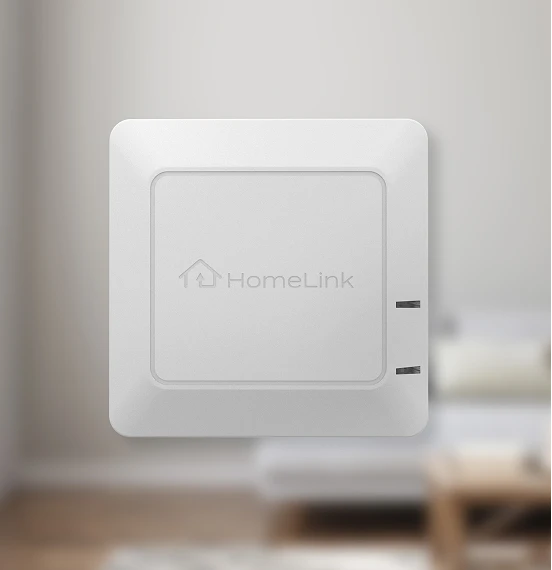
Plug the Connector into a standard wall outlet near your garage or entry point.
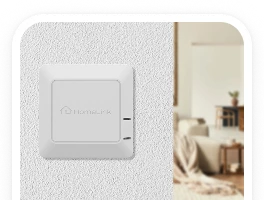





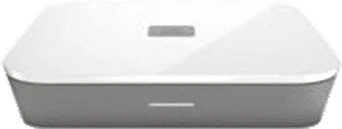
HomeLink Smart Home Connector™
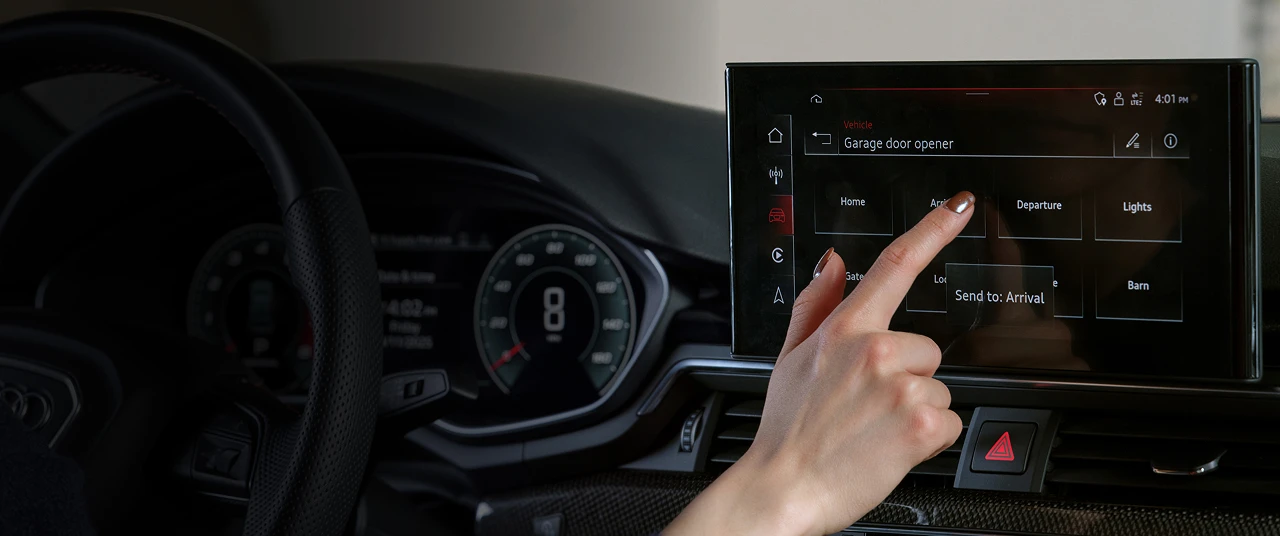
Control compatible Z-Wave® smart home systems directly from the HomeLink buttons already built into your vehicle.
With the press of a button, you can trigger smart home scenes, routines, lighting, security settings, and more — without reaching for your phone.
Works with compatible Z-Wave systems, including Alarm.com®.
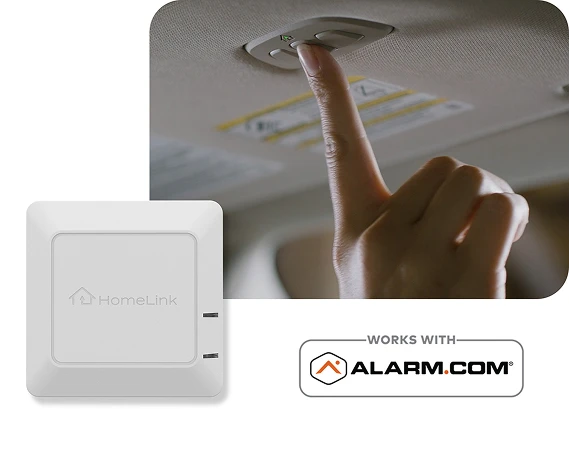
The HomeLink Smart Home Connector acts as a bridge between your vehicle's HomeLink system and your Z-Wave smart home network. The HomeLink Smart Home Connector acts as a bridge between your vehicle's HomeLink system and your Z-Wave smart home network.
Plug the Connector into a standard wall outlet near your garage or entry point.
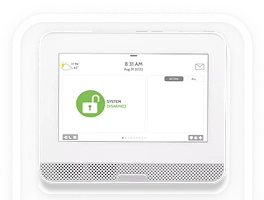
Pair the Connector with your compatible Z-Wave hub.
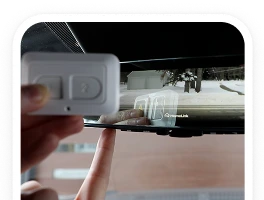
Program your vehicle's HomeLink buttons using the included handheld transmitter.
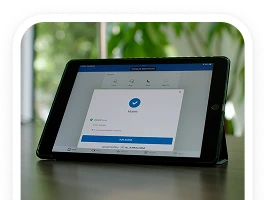
Assign smart home scenes and start controlling your home from your vehicle.
Use the HomeLink buttons already built into your vehicle to activate smart home scenes and routines.
Plug-in design allows for fast setup without complex wiring.
Add vehicle-based control to your existing Z-Wave ecosystem.
Create and activate up to six unique smart home scenes.
Compatible with HomeLink Generation 3 and newer systems.
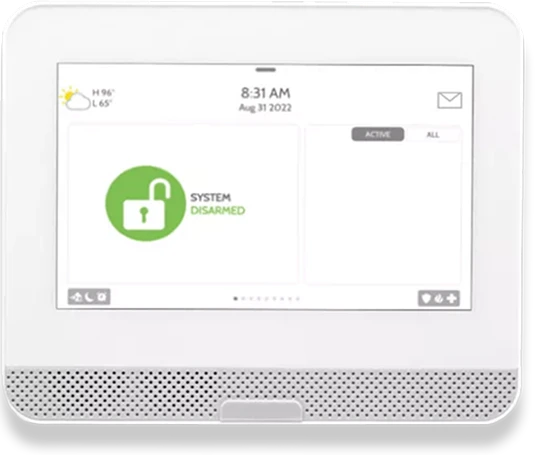
The HomeLink Smart Home Connector is designed to work with compatible Z-Wave smart home hubs and systems.
Verified Compatibility
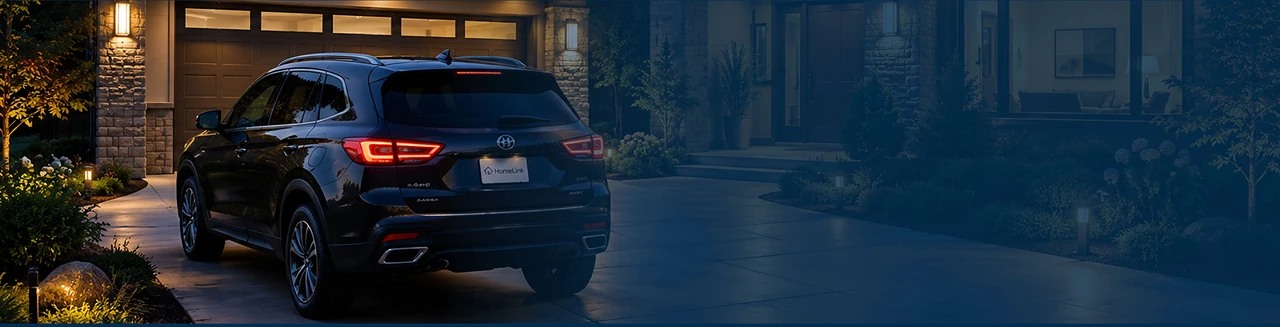
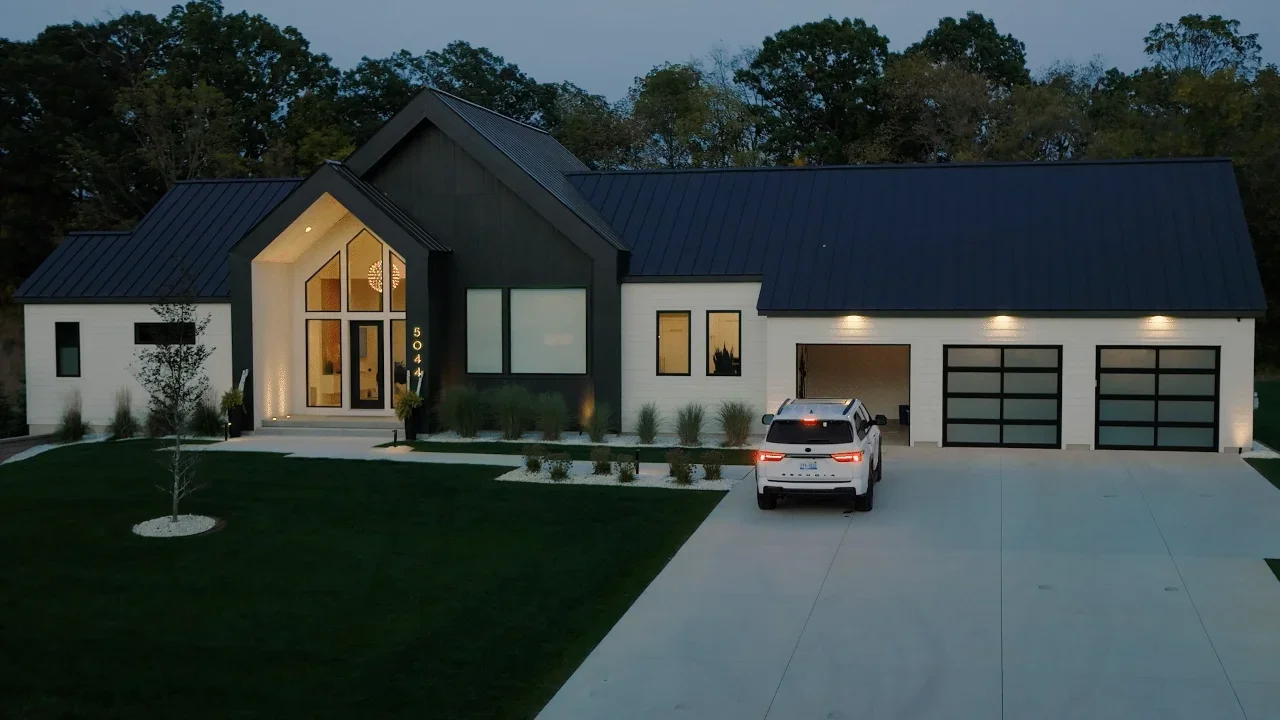
Control your home before you arrive. Activate routines as you leave. Make every drive a little smarter.